
- Open your profile (jobs.rqmbooks.com/app/profile) and fill in your basics, work experience, education and skills.
- Press Save profile. Confirm any entry marked Please check.
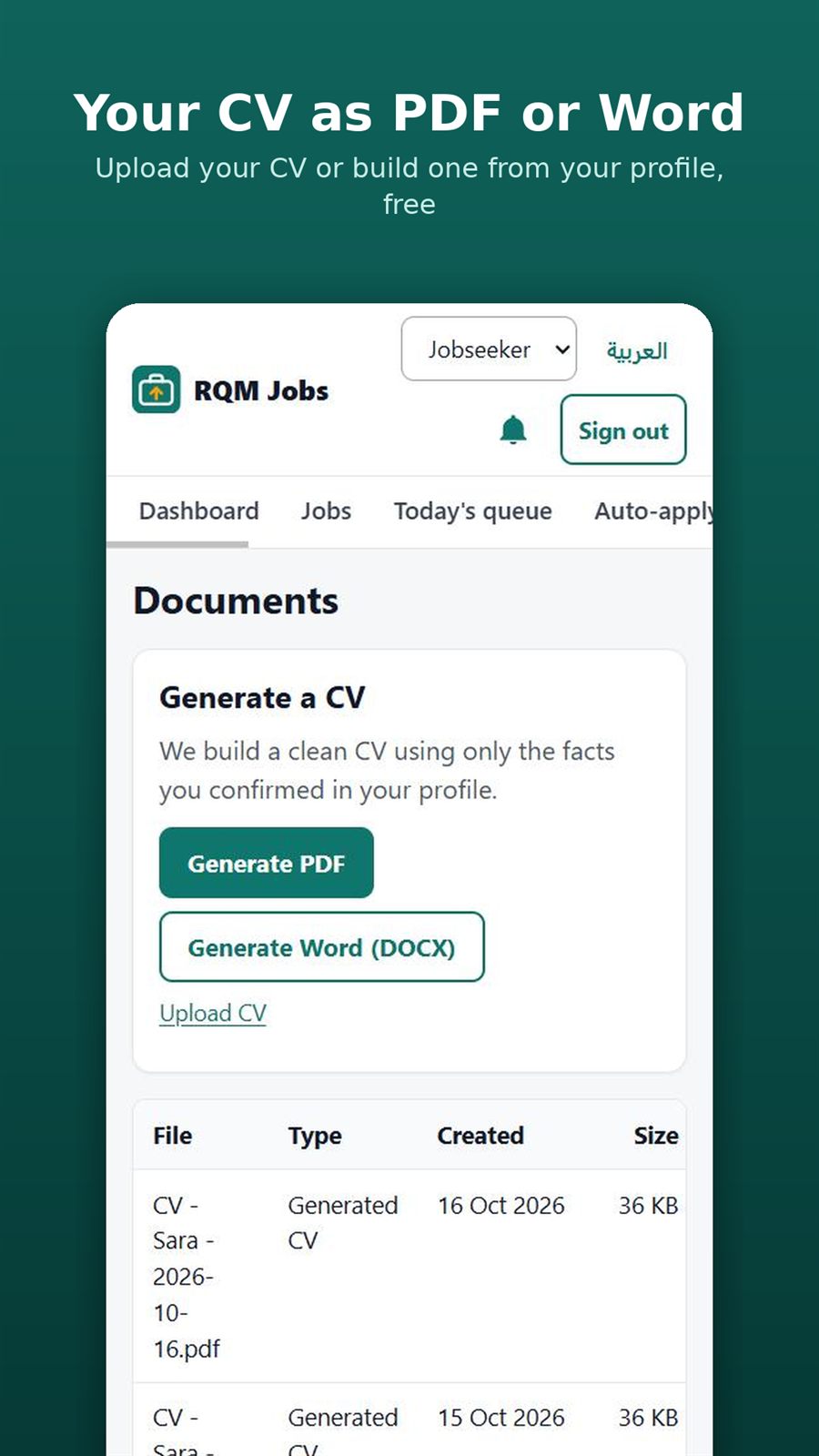
- Open CV & documents (jobs.rqmbooks.com/app/documents).
- Under Generate a CV, press Generate PDF or Generate Word (DOCX).
- When it says Your CV is ready, find it in the list and press Download.